Posts tagged blender
Unique Ball Wallpaper
2Hi there,
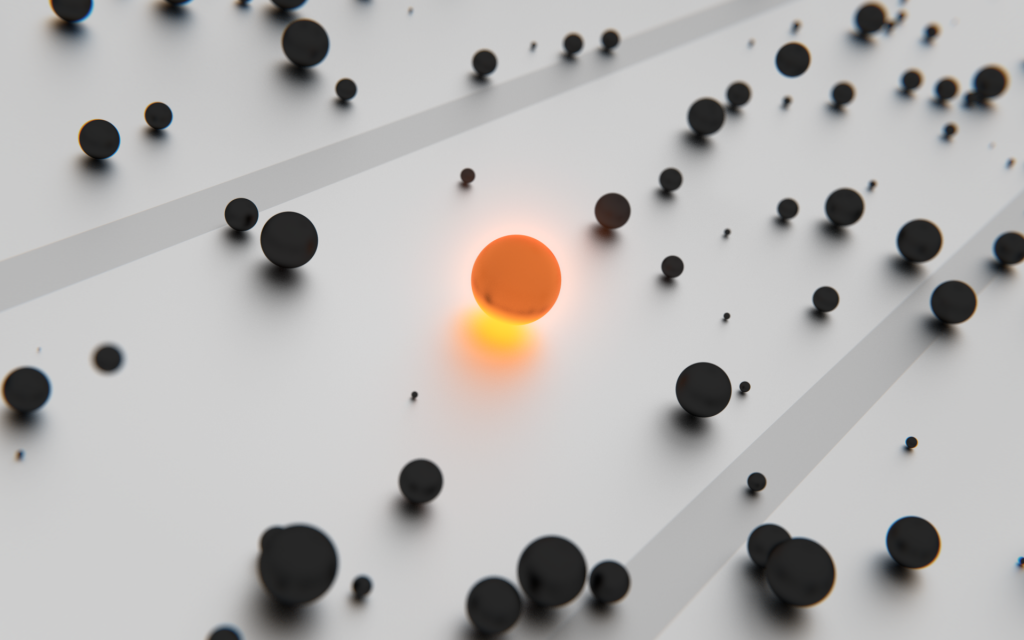
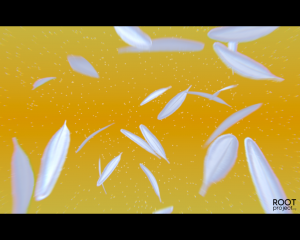
I’ve created a wallpaper in a couple of hours playing around with particles and cycles and that was the outcomming:
I used particles, cycles, glowing materials and the compositor.
how do you like it?
Sunrise Mood Logo
0As i saw the advertisement from Pro7 for the “Comedy Dienstag” i want to reproduce this effect:
This is my interpretation:
The colors and the strong reflection is my personal taste.
The .blend file can be downloaded HERE.
2D Tracking with RotoBezier
0This was entirely done with Blender 3D.
Addons:
.) 2D Tracking (Tomato Branch)
.) RotoBezier
The free Footage comes from hollywoodcamerawork.us
The whole process lasts ~4 hours:
(30 min 2d tracking, 15 min compositing, the remaining time: first time ever roto scoping^^)
for the first time i think i was realy fast
i can provide the .blend file if someone want it.
360° Camera
2I was looking for a 360 camera attachment and found one, but it is very expensive to ship outside from the US, so i decide to create my own… in blender
The .blend file can be downloaded here.
Hanging Objects Effect
0
Do you want to archive an effect like this? You found the solution.
You can follow the full guide or skip the optional steps.
360° Panorama Rendering
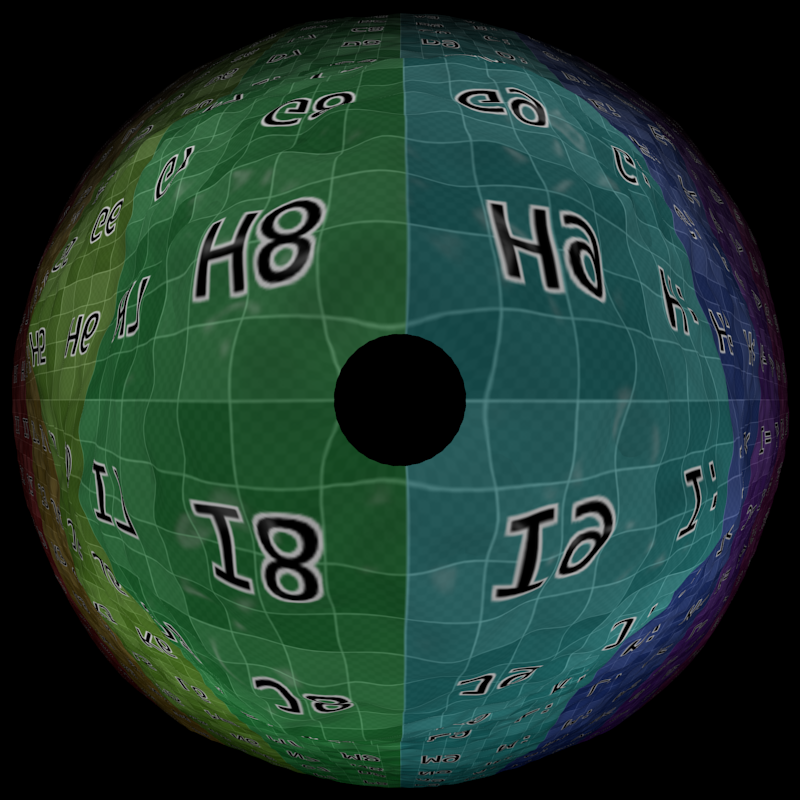
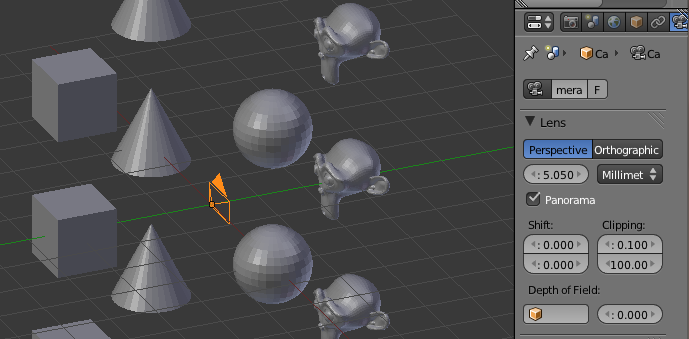
18I was searching for a way to create a panorama shot but just found some wired information’s about PartX properties.
Then i came to a post where it was described how it works with blender 2.5.
Update: Thanks to Artorp to helping me to understand my mistake – it is NOT a 360° render because blender cannot do this.
But now i have more accurate settings for a better render this way.
The setup is now fairly easy:
- place the camera with horizontal alignment between the objects
- set the focal length to 5.050mm
- enable the panorama option
Next we have to setup the render options:
- In the performance tab extend the Tiles X and Y to 360 and 180.
(This will increase the render time but reduces the count of artifacts)
With these settings, you get a result like this:
Happy blending
A dull Car Tire
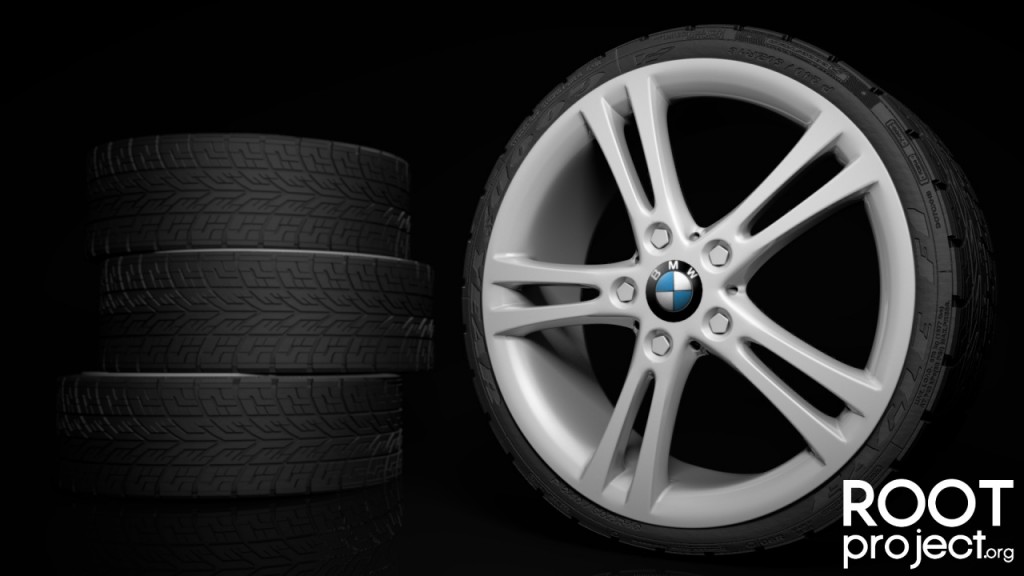
0I’ve done a new render, a car tire.
I know, this is dull but i have to
please critique it, i have to know the truth
Export Blender Models to Shapeways
0Here is the way how i get my model compatible for ShapeWays.
Please check the FAQ and other pages on ShapeWays if you have questions that are not fit into this todo.
here is the list:
- create your 3d model
- convert all curves to meshes and apply all modifiers
- join all parts of the model together into a single mesh
- check that the model do not have any floating parts if you do not want them
- check the model for “non manifold” parts (edit mode – deselect all -> select -> non manifold) => tutorial
- * unwrap the model
- * put the texture on the same directory level as the blend file
- * set the texture to the model
- enable units under scene -> units in Blender
- set the dimensions of your model with the help of the units (eg. 12cm)
- IMPORTANT: apply the scale to the model (ctrl-a -> scale)
- export to collada (*.dae)
- open the exported model with MeshLab (free)
- save the model without any modifications as VRML (*.wrl) file
- * pack the VRML file and the texture (same directory level!) into a zip file and upload it to ShapeWays
- -or- upload only the VRML file to ShapeWays
- check your email inbox for error / success messages
* = for colored print
i hope i could help!
PinArt
5Well, this is it!
It was a bit tricky because i do not want to look at tutorials to do this PinArt toy and thus it makes me some headache.
It can be animated over time and the frame itself with all associated objects (frame, glass, pins, …) can be rotated in every direction without pain.
If someone want to see a tutorial about this, i will create one!
Just write a comment and i will look what i can do for you guys.
Just a hint:
It use a plane with the vertices as particle start point and a displacement modifier.
Here is the .blend file for free use.